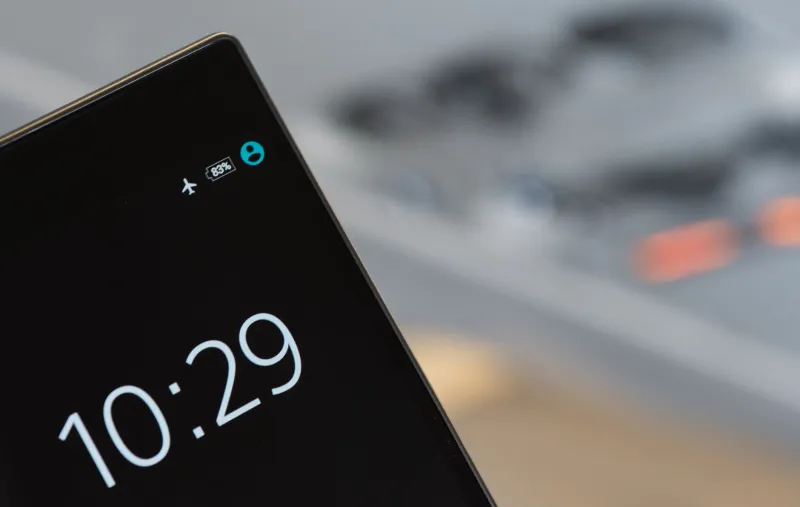
Your Phone Changed Last Night — And Nobody Asked You
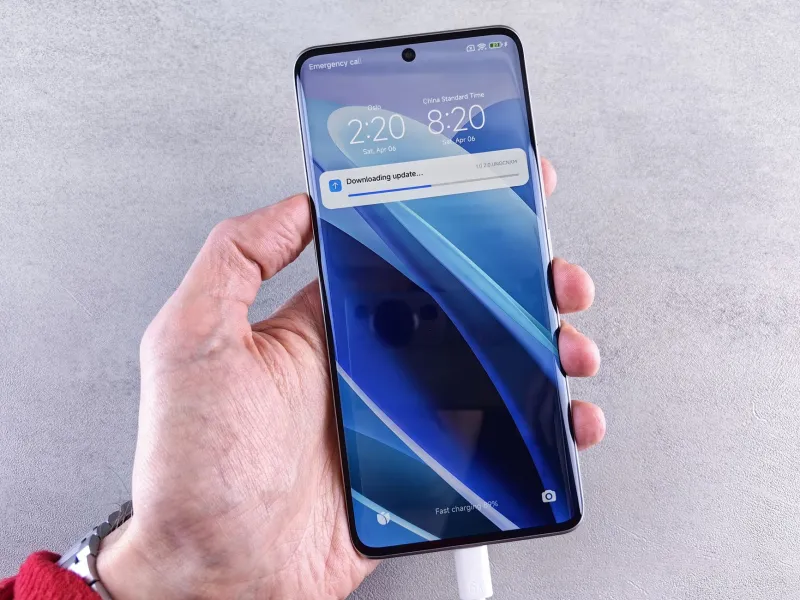
You went to bed with one phone. You woke up with a slightly different one.
Maybe a feature moved. Maybe something that used to work a certain way now behaves differently. Maybe you noticed a mysterious reboot in your battery history at 3 a.m. You didn't install anything. You didn't tap "Update." And yet, your phone changed.
Welcome to the world of silent updates — a sprawling, loosely regulated system of background patches, carrier-pushed modifications, and manufacturer tweaks that reshape your device on a rolling basis, often without a single notification you'd actually notice.
What We Mean by "Silent Updates"
Not all updates are the kind that pop up a banner and ask for your permission. There's a whole ecosystem of smaller, quieter changes happening beneath the surface.
Delta updates are partial patches — instead of downloading a full OS build, your phone grabs only the pieces that changed. They're efficient, sure, but they also mean significant functional changes can slip through under the radar of a tiny background download you'd never think twice about.
Google Play system updates (formerly called Project Mainline) let Google push changes directly to core Android components — things like the media framework, networking modules, and permission controllers — completely bypassing your carrier and manufacturer. On iPhones, Apple has its own version of this through background framework patches that don't require a full iOS update.
Then there are carrier-pushed modifications. This is where things get murky. If you're on AT&T, Verizon, T-Mobile, or any of the regional carriers, your phone likely has carrier configuration profiles baked in. These can be updated remotely — changing everything from Wi-Fi calling behavior to data throttling thresholds to which apps get pre-installed — and you'd have almost no way of knowing it happened.
Why Companies Say This Is Fine (And Why They're Not Entirely Wrong)
The industry justification for silent updates is actually pretty reasonable on its face: security.
When a zero-day vulnerability gets discovered — the kind that lets a bad actor take over your device just by sending a malicious image or connecting to a rogue Wi-Fi network — the last thing anyone wants is a week-long wait for users to manually approve a patch. The faster a fix rolls out, the smaller the window of exposure. For genuinely critical security patches, most cybersecurity experts agree that silent deployment is the lesser evil.
Apple and Google both lean heavily on this argument, and it holds up. The problem is that "security patch" has become a convenient umbrella that can cover a lot more than just vulnerability fixes.
What Actually Gets Changed
Here's where things get genuinely uncomfortable.
Under the cover of routine maintenance, updates have been documented changing default app associations, quietly re-enabling services users had turned off, adjusting battery optimization rules that affect which apps run in the background, and even modifying the behavior of accessibility features. In a few notable cases, manufacturers have used silent patches to walk back popular features — or to introduce new ones that, surprise, happen to benefit their own app ecosystem.
Carrier configs have been used to disable Wi-Fi calling on certain networks, restrict which APNs (Access Point Names) you can manually configure, and in some cases, push promotional or "partner" apps to devices in the field. The legality of this varies, but the practice is widespread.
The FCC has no comprehensive rule requiring carriers to notify users before pushing configuration changes. Manufacturers aren't legally required to publish detailed changelogs for every background patch. The result is a system built on implied consent — you agreed to this, somewhere in a terms of service document approximately no one has read in full.
The Visibility Problem
Even if you're the kind of person who actually wants to know what's changing on your phone, finding that information is harder than it should be.
Android users can dig into Settings > System > System update to see recent update history, and Google publishes Android Security Bulletins monthly with patch details. But those bulletins are written for security researchers, not regular people. The gap between "a patch was applied" and "here's what it actually changed about your experience" is enormous.
On iOS, Apple's update notes have gotten better, but they still tend to describe changes in broad strokes. And neither Apple nor Google offers an easy way to see specifically which system modules were quietly swapped out in the last 30 days.
Carrier config version numbers are technically visible on both platforms if you know where to look — buried in diagnostic menus most users never open. But knowing your carrier config changed from version 40.0 to 41.0 tells you essentially nothing without access to documentation most carriers won't publish.
Getting Back Some Control
You can't opt out of the security patching ecosystem entirely — nor should you want to. But you can get smarter about what's happening on your own device.
On Android: Turn off automatic system update installation in your developer options if you want a heads-up before changes apply. Keep an eye on the Google Play system update section separately from your main OS updates — this is where a lot of the quiet module swaps happen. Apps like Logcat Reader can give you a glimpse into system-level activity, though the learning curve is steep.
On iPhone: iOS 16 and later let you delay automatic updates by up to a month in your Software Update settings. This won't stop all background patches, but it gives you a window to check what's in an update before it applies. Enabling Screen Time restrictions on automatic updates adds another layer of intentionality.
For carrier configs specifically: If you notice sudden changes in how calls or data behave, check your carrier's support page for recent profile updates. On iPhone, you can see your current carrier settings version under Settings > General > About.
Most importantly: pay attention to your phone's behavior after any reboot you didn't initiate. An unexpected restart in the middle of the night is often the only visible sign that something changed.
The Bigger Picture
The silent update system isn't going away. If anything, it's going to expand as phones become more deeply integrated with cloud services, AI features, and carrier infrastructure. The argument for keeping updates fast and frictionless will only get stronger.
But there's a real difference between a phone that patches its own security holes and a phone that quietly evolves in ways that serve everyone's interests except yours. The line between those two things deserves a lot more scrutiny than it currently gets.
Your phone is arguably the most personal device you own. Knowing what's on it — and what changed since yesterday — shouldn't require a computer science degree. Until manufacturers and carriers decide transparency is worth the effort, the best you can do is stay curious and keep paying attention.
Because your phone is definitely paying attention to something.