The Annual Update Trap: How iOS and Android Turn Your Phone Into a Corporate Billboard
Your Phone Just Got an Update. Congrats, You Have New Landlords.
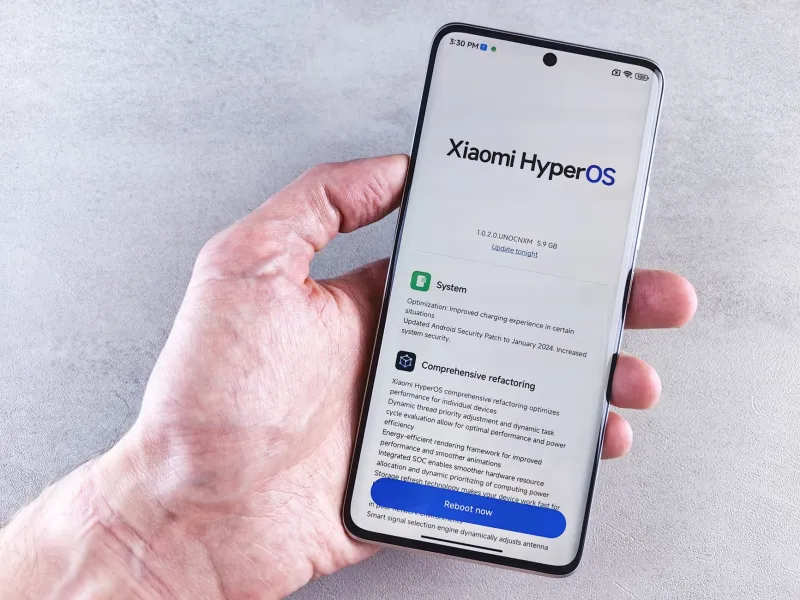
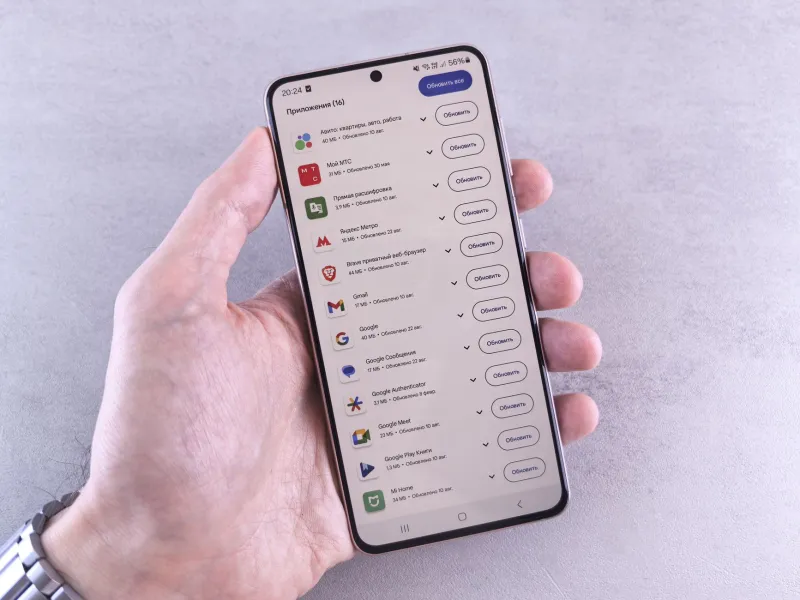
It's that time of year again. The notification drops, the progress bar fills, and your phone restarts with a fresh coat of digital paint. Apple calls it a leap forward. Google calls it smarter, faster, better. But spend five minutes poking around and you'll find a handful of new apps sitting on your home screen — apps you didn't download, didn't want, and definitely can't delete.
Welcome to the bloatware arms race. And your phone is the battlefield.
This isn't some accidental side effect of progress. The steady accumulation of manufacturer-installed apps, redundant system features, and platform-exclusive tools is a deliberate corporate playbook — one that's been running for years and shows zero signs of slowing down.
What "Innovation" Actually Looks Like Under the Hood
Every major OS update comes wrapped in legitimate improvements. Better battery management, stronger security patches, smoother animations — real stuff that genuinely helps users. But bundled alongside those improvements is a growing stack of features that serve the platform far more than they serve you.
Take Apple's steady expansion of its own app ecosystem. Each iOS cycle quietly introduces or deepens integrations for Apple Wallet, Apple Fitness+, Apple TV+, and a rotating cast of iCloud-dependent tools. On the Android side, Google has spent years folding more of its own services — Google Pay, Google One, Google Photos backup prompts — deeper into the operating system itself, making them harder to ignore and nearly impossible to fully remove.
Samsung layers its own Galaxy ecosystem on top of Android, adding duplicate apps for nearly everything Google already provides. Messages and Samsung Messages. Google Photos and Samsung Gallery. Google Drive and Samsung Cloud. Pick your phone maker — LG before they exited, Motorola, OnePlus — and you'll find the same pattern: a second (or third) app doing the job of one that already exists.
Former platform engineers who've spoken publicly about their time at major OEMs describe a product culture where pre-installed apps are treated as revenue lines, not user features. Carrier deals, third-party software agreements, and internal service cross-promotion all feed into what ends up on your home screen when you unbox a new device or install that fresh update.
The Lock-In Is the Point
Here's what the keynotes never say out loud: bloatware isn't a bug in the system. It's the system.
The more deeply a platform embeds its own services into your daily workflow, the harder it becomes to leave. Use Apple Messages long enough and switching to Android means losing iMessage threads, blue bubbles, and all those integrations your friends and family have come to rely on. Lean into Google's ecosystem and your contacts, calendar, photos, and payment history all live in a walled garden that makes the exit door look very inconvenient.
This is sometimes called "switching cost" in business school, but in practice it just means your phone is slowly becoming a subscription platform disguised as a communication device. Every new feature that ties you to a proprietary service is another thread in the net.
And the timing isn't random. Annual update cycles align almost perfectly with new hardware launches. iOS 18 drops right as iPhone 16 hits shelves. Android 15 arrives alongside Pixel 9. Some of the flashiest new features — the ones that get the most stage time — are quietly designed to run best, or exclusively, on the newest hardware. Your two-year-old phone technically gets the update, but the experience is noticeably worse. Coincidence? The engineers building these systems know exactly what they're doing.
What You Actually Lose
Beyond the annoyance of unwanted apps, the real cost is performance and control — two things smartphone users in the US increasingly take for granted until they're gone.
All those pre-installed apps running in the background aren't sitting idle. They're consuming RAM, occasionally pinging servers, and eating into the battery life you paid for. On mid-range Android devices especially, where memory is already at a premium, manufacturer bloat can meaningfully drag down day-to-day performance.
Storage is another casualty. Several gigabytes of pre-installed software that can't be uninstalled — only disabled — means less room for your actual stuff. Photos, podcasts, games, the apps you actually chose. You're renting space in your own device.
Then there's the privacy angle, which deserves its own conversation entirely. Many pre-installed apps request permissions — location, contacts, microphone — that a standalone app from an unknown developer would get flagged for immediately. But because they come from the manufacturer or carrier, they slide under the radar.
Are Alternatives Any Better?
It's worth asking whether the emerging alternatives — GrapheneOS, CalyxOS, or even stripped-down Android builds — offer a genuine escape. For the technically adventurous, the answer is yes, to a point. These open-source builds strip out the commercial layer and give you a leaner, more transparent operating system.
But the tradeoff is real. Losing access to the Google Play Store, dealing with app compatibility issues, and voiding warranties puts this well outside the comfort zone of most everyday users. Until mainstream platforms feel genuine competitive pressure to clean up their act, most people are stuck playing the bloatware game whether they like it or not.
So What Can You Actually Do?
Short of flashing a custom ROM, your options are limited but not nonexistent. Disabling pre-installed apps — even if you can't delete them — stops them from running in the background and clears them off your home screen. On Android, this is buried in Settings > Apps. On iOS, you can at least offload unused Apple apps to free up storage.
Being selective about which system features you actually use matters too. If you're not using Samsung Pay, don't set it up — and definitely don't let it run in the background with location permissions active.
Pushing back as a consumer is harder but not meaningless. User reviews, tech media pressure, and regulatory scrutiny (the EU has already started leaning on Apple and Google over pre-installed software practices) do move the needle over time.
Your phone is supposed to be your most personal piece of technology. The most-used device you own. It should work for you — not as a distribution channel for corporate services you never opted into. The annual update cycle will keep coming, and the bloatware will keep piling up. But knowing what's actually happening inside that progress bar is the first step toward taking some of your phone back.