That 'Improvement' Just Slowed You Down: The Hidden Performance Tax of Phone OS Updates
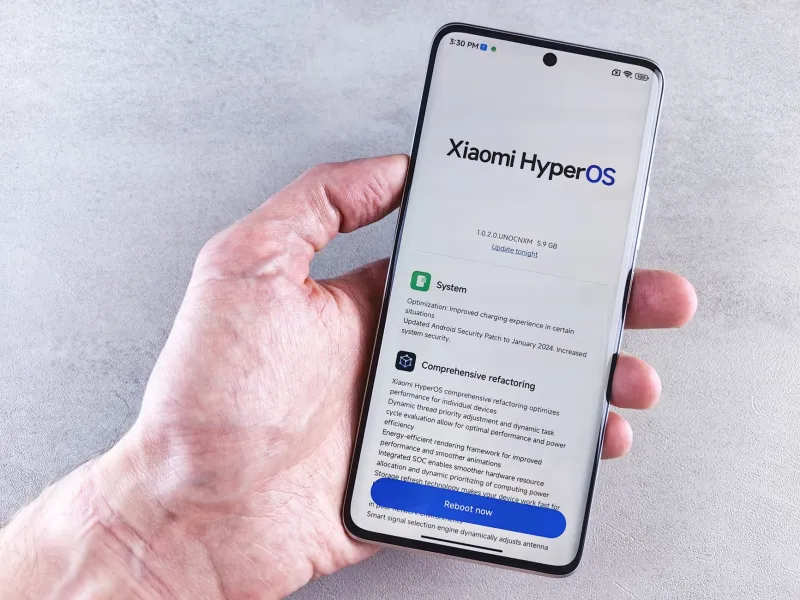
You did everything right. You backed up your phone, plugged it in, tapped Install Now, and woke up to a brand-new operating system. For about 48 hours, everything felt crisp and clean. Then, somewhere around day three, you started noticing it — a half-second lag when opening the camera, apps taking just a beat longer to load, your battery draining before noon.
Sound familiar? You're not being paranoid. And your phone isn't broken. What you're experiencing has a name, even if Apple and Google would rather not put it on a billboard: update overhead. Let's talk about what that actually means, why it keeps happening, and — most importantly — how to claw back some of that lost speed.
Why Updates Feel Like a Step Backward
Here's the thing about major OS releases: they're not just feature drops. Every update to iOS or Android carries a mountain of background changes — new security frameworks, revised memory management protocols, updated API layers, and compatibility patches that have to play nice with literally thousands of apps. Your phone's processor, RAM, and storage are suddenly being asked to juggle a slightly heavier load than they were the day before.
Older hardware takes the biggest hit. When Apple releases iOS 18 or Google pushes Android 15, those updates are engineered and tested primarily on current flagship hardware. If you're running a two- or three-year-old device — perfectly reasonable, given that the average American holds onto their phone for about three years — you're running software that was optimized for chips faster than yours.
That's not a conspiracy. It's just math. But it's math that costs you real-world performance.
The Background Process Problem
After a fresh update installs, your phone doesn't just sit there looking pretty. It immediately kicks off a wave of background activity most users never see:
- Re-indexing: iOS and Android both re-index your apps, photos, and files so their search and suggestion features work correctly with the new OS. This process can chew through CPU cycles and battery for 24 to 72 hours post-update.
- App re-optimization: On Android, the ART runtime re-compiles app code to work efficiently with the updated system. On iOS, similar optimization passes happen quietly after install. Until that's done, apps can feel sluggish.
- Security patch integration: New security layers introduced with each update sometimes add authentication handshakes and permission checks that didn't exist before. These are milliseconds individually — but they stack up across every interaction.
- Cloud sync surges: Your phone often treats a fresh OS install as a trigger to re-verify cloud backups and sync states across Google or iCloud services, which hammers both your data connection and battery simultaneously.
None of this is malicious. But none of it is communicated clearly to users either, which is why so many people assume their phone is dying when it's actually just... working overtime.
The App Compatibility Shuffle
Here's another piece of the puzzle that doesn't get enough attention: your apps weren't ready for the update either.
Most major app developers push compatibility updates in the days and weeks following a big OS release. Until those updates land, your apps are running in a slightly awkward compatibility mode — not broken, but not fully optimized. Some will stutter. Some will drain battery faster than usual. A few might crash outright.
This creates a weird window, usually the first two to four weeks after a major OS update, where your phone is simultaneously the most secure it's ever been and the most annoying it's felt in months. The good news is that this window is temporary. The bad news is that nobody tells you it exists.
Practical Ways to Get Your Speed Back
You don't have to just white-knuckle it through the slow period. There are real steps you can take to speed things along.
Give it 72 hours — seriously. Before you do anything drastic, wait out the re-indexing and optimization cycle. A lot of the sluggishness you feel in the first few days is temporary. Don't factory reset your phone because it felt slow on day one.
Restart your phone manually after updating. Updates sometimes leave processes in a half-started state. A clean manual restart — not just a lock screen sleep — can clear those out and give your phone a cleaner baseline.
Audit your background app refresh settings. On both iOS and Android, you can control which apps are allowed to run in the background. After an update, it's worth revisiting these settings. Go to Settings > General > Background App Refresh on iPhone, or Settings > Apps on Android, and cut the list down to only what genuinely needs it.
Check for app updates immediately. Don't wait for apps to auto-update. Go into the App Store or Google Play and manually trigger updates across the board. Getting your apps to their post-OS-release versions as fast as possible closes the compatibility gap sooner.
Clear cached data on Android. If you're on Android, stale cached data can compound update slowdowns. Go into Settings > Storage and clear cached files. iOS handles this differently and doesn't offer the same manual cache-clearing option, but restarting accomplishes some of the same effect.
Disable animations (temporarily or permanently). Both iOS and Android let you reduce or eliminate motion effects and transition animations. On Android, this is buried in Developer Options — you'll need to tap the Build Number seven times in About Phone to unlock it, then set Window, Transition, and Animator duration scales to 0.5x or off entirely. On iOS, go to Settings > Accessibility > Motion and toggle on Reduce Motion. The difference in perceived speed is genuinely surprising.
Don't skip the update just to avoid the pain. This one's important. The temptation after reading all of this is to just... not update. Resist it. The security patches bundled into every major OS release are not optional protection — they're closing real vulnerabilities that bad actors actively exploit. The performance dip is temporary. The security exposure from skipping updates is not.
The Bigger Picture
There's a reasonable frustration at the center of all this: users are handed a software update with zero warning about the short-term performance cost, then left to wonder if their phone is failing. That communication gap is a real problem, and it's one both Apple and Google could address with more transparency in their update notes.
But until that changes, knowing what's happening is half the battle. Your phone isn't giving up on you. It's just running a marathon it didn't warn you about. Give it a few days, follow the steps above, and you'll likely find it comes out the other side faster — and more secure — than it was before the update ever landed.
Your mobile world just got a little more supercharged. It might take a week to feel that way.